








Upwork Clone – Leading Solution for On-Demand Freelance Marketplaces
Our Upwork Clone is packed with powerful features designed to meet every user need, along with a wide range of add-ons to boost engagement, enhance customer retention, and deliver an exceptional experience. Backed by a team of expert developers with deep expertise in marketplace app development, TechXons stands among the top on-demand platform providers worldwide. Unlock marketplace success today! Grow your business with our customizable Upwork clone – a complete freelance collaboration solution built for scalability and innovation. Connect global clients and freelancers with secure escrow and project management.
-
Advanced Geo-Location Search
-
Project & Job Postings with Scope Details
-
Premium Listings & Ads
-
Robust Admin Dashboard
-
Detailed Project Scope & Milestones
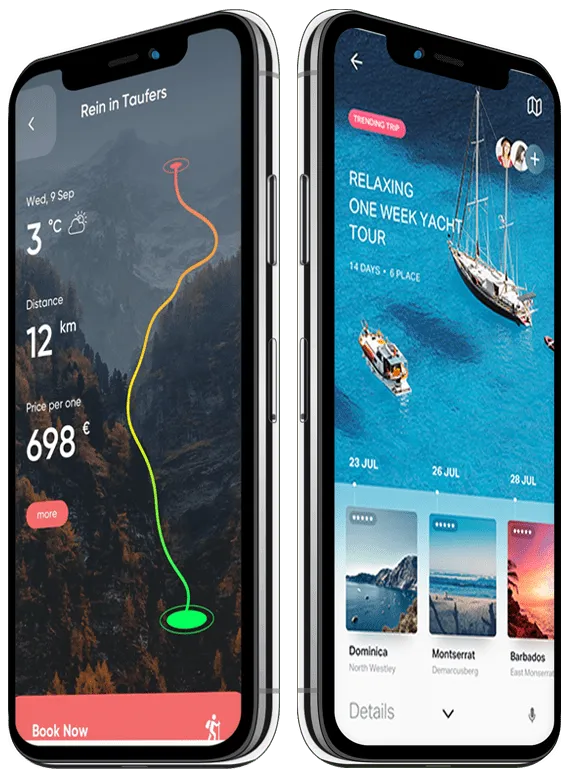
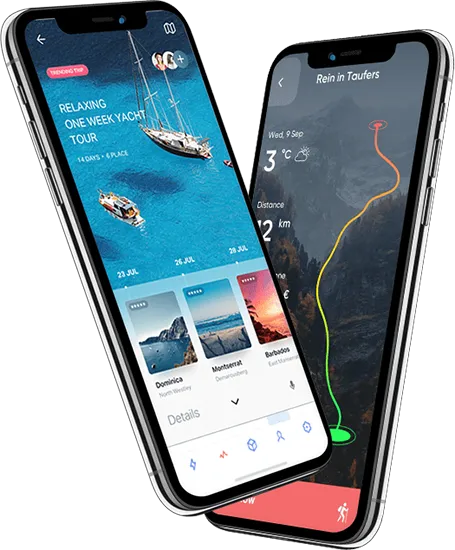
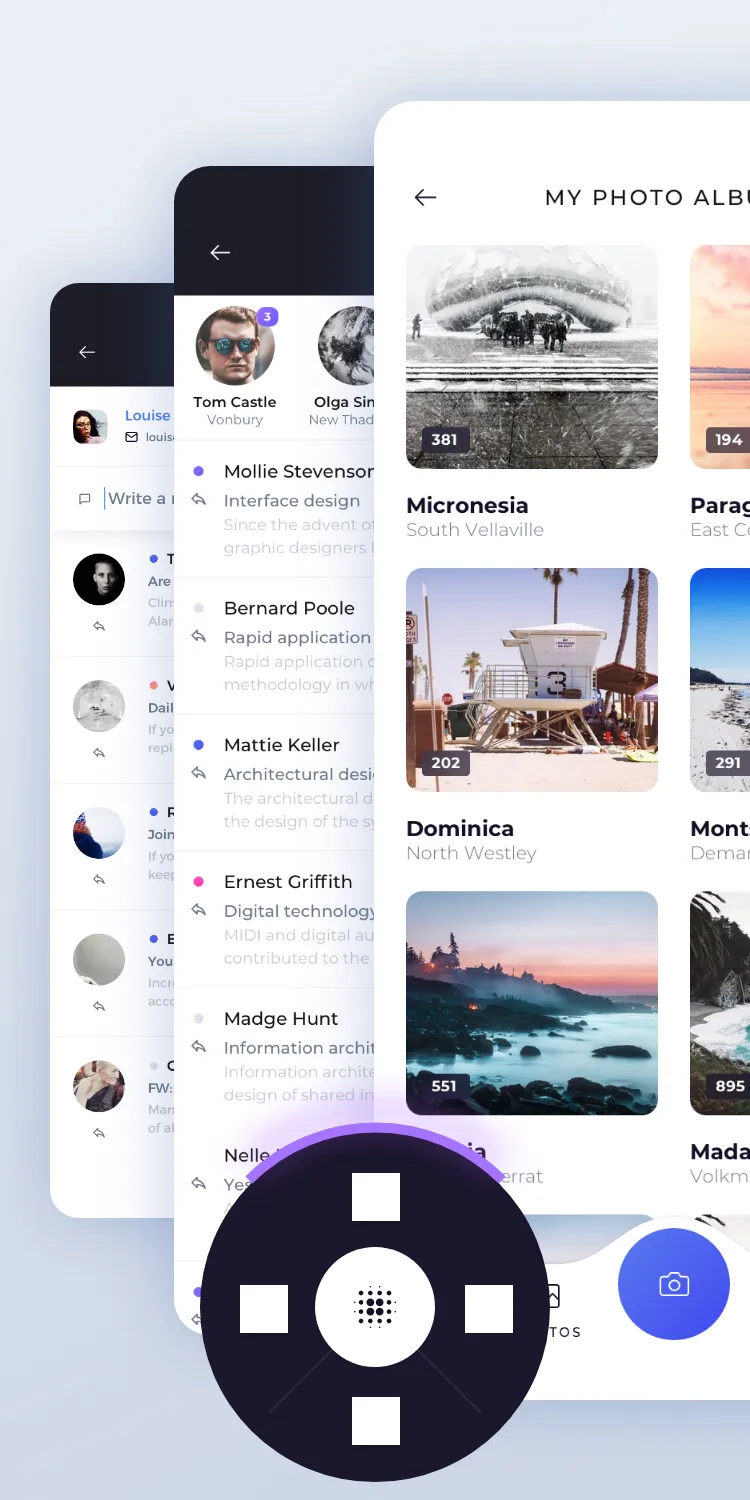
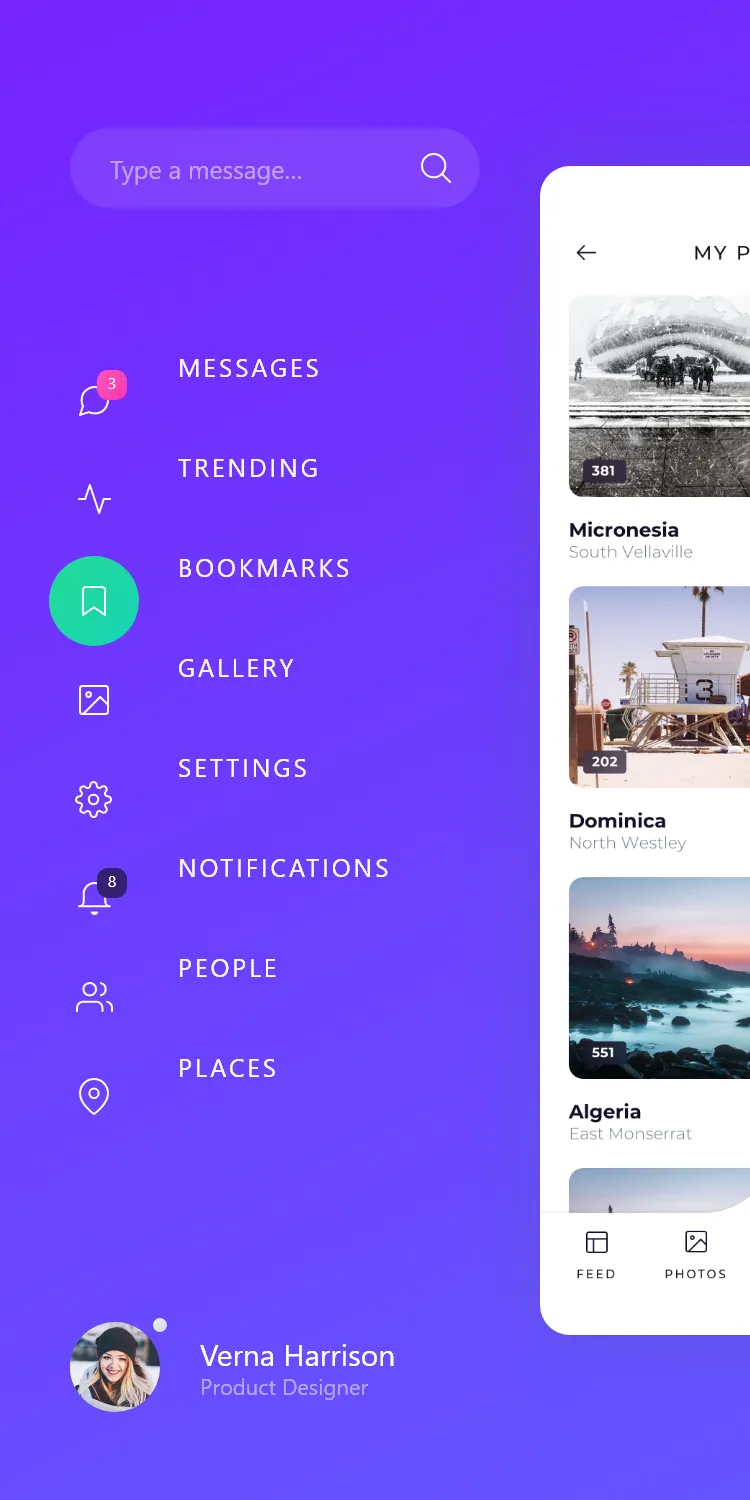
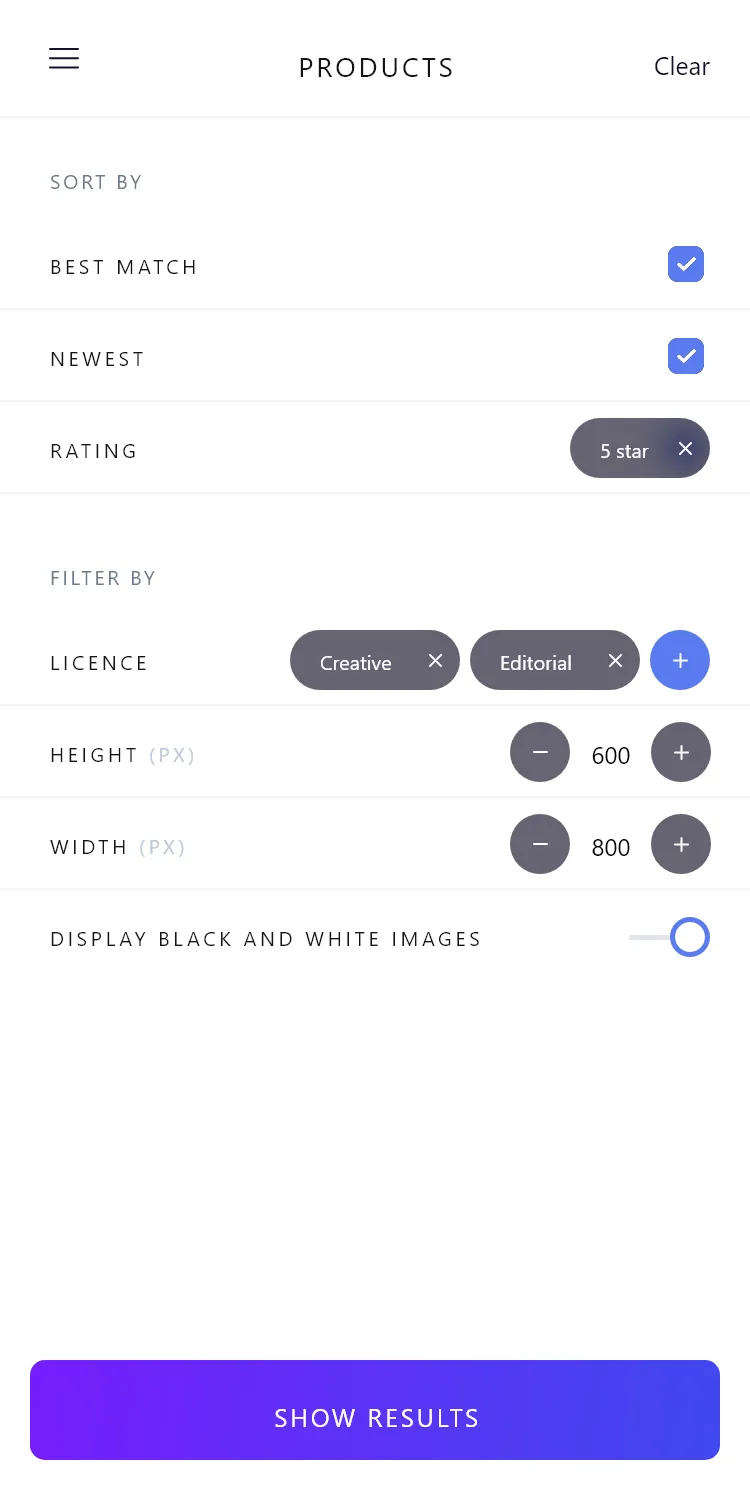
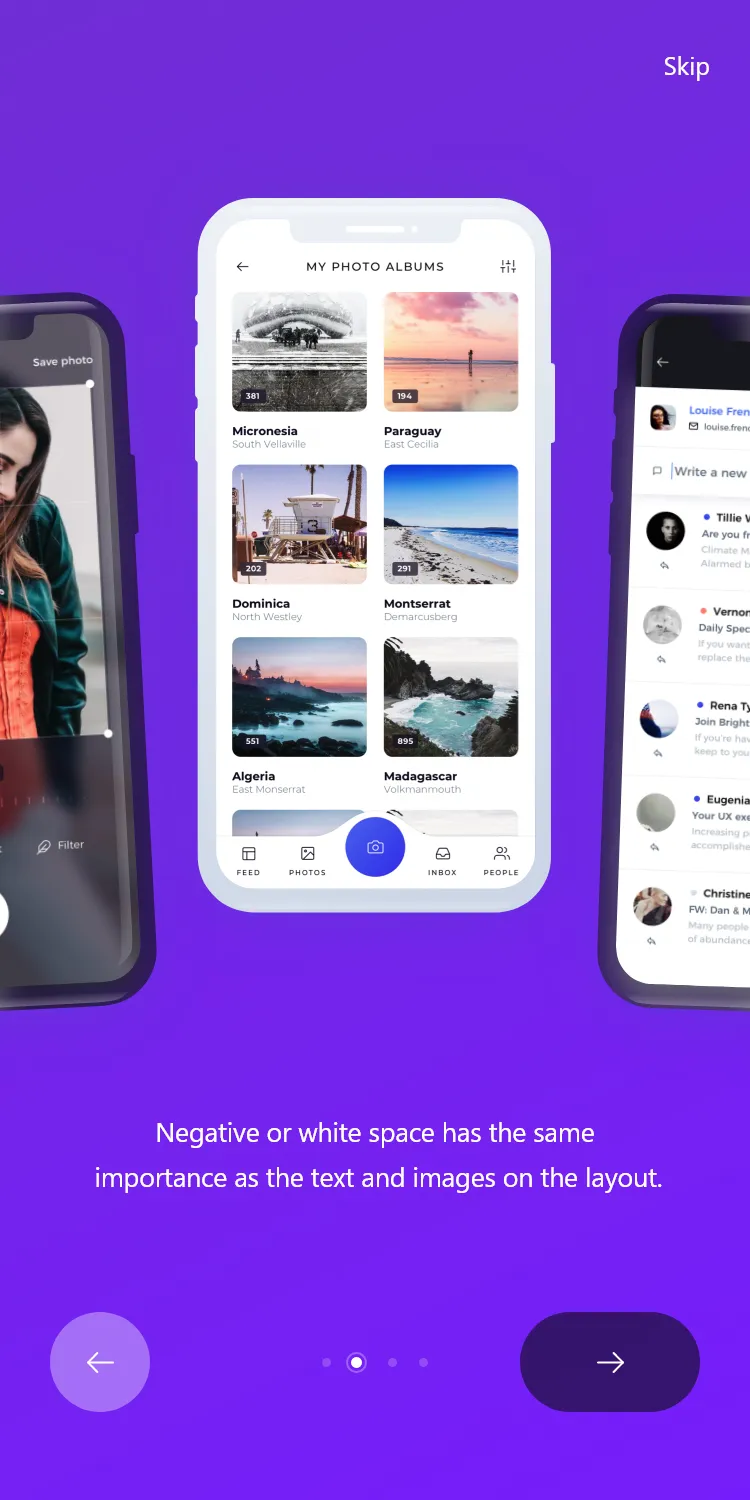
Visual Highlights of Our Upwork Clone App
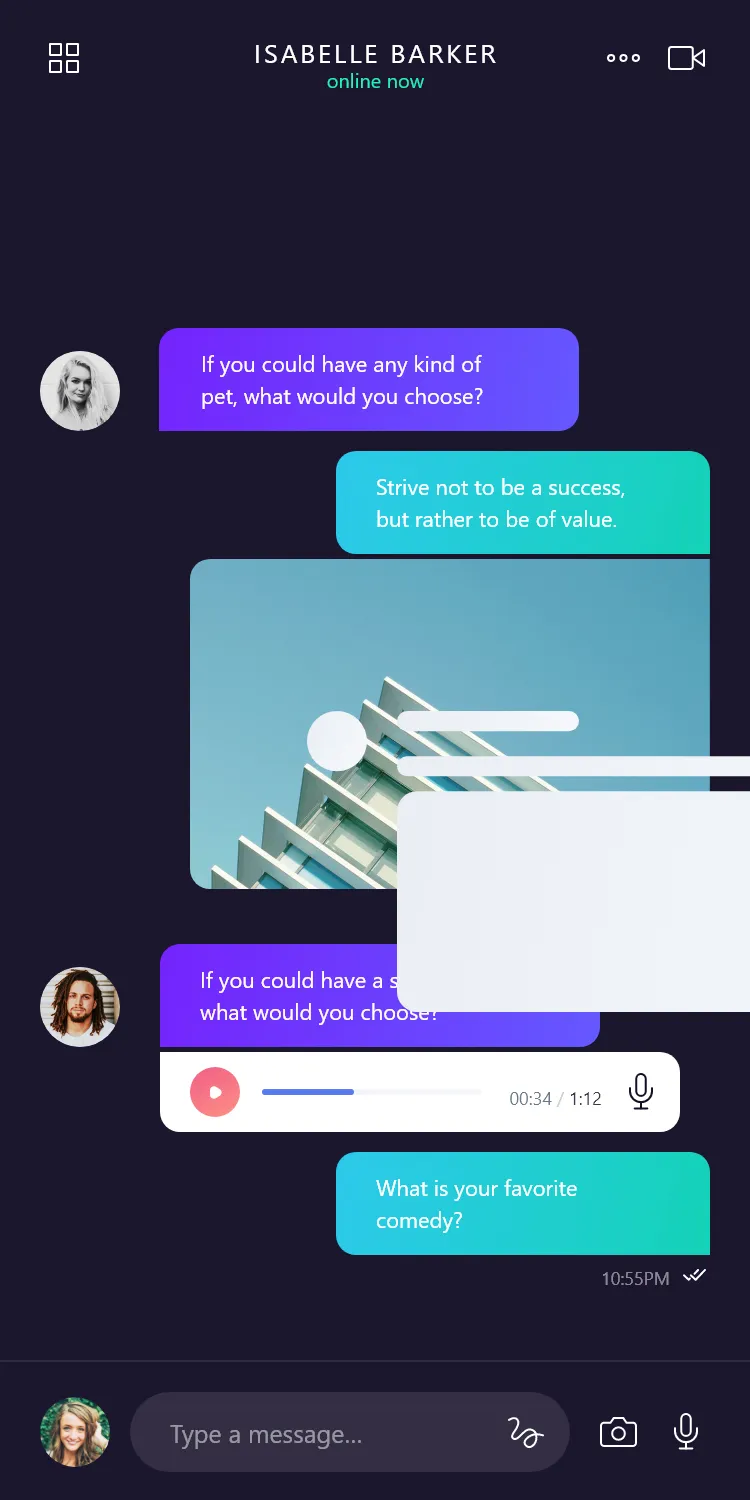
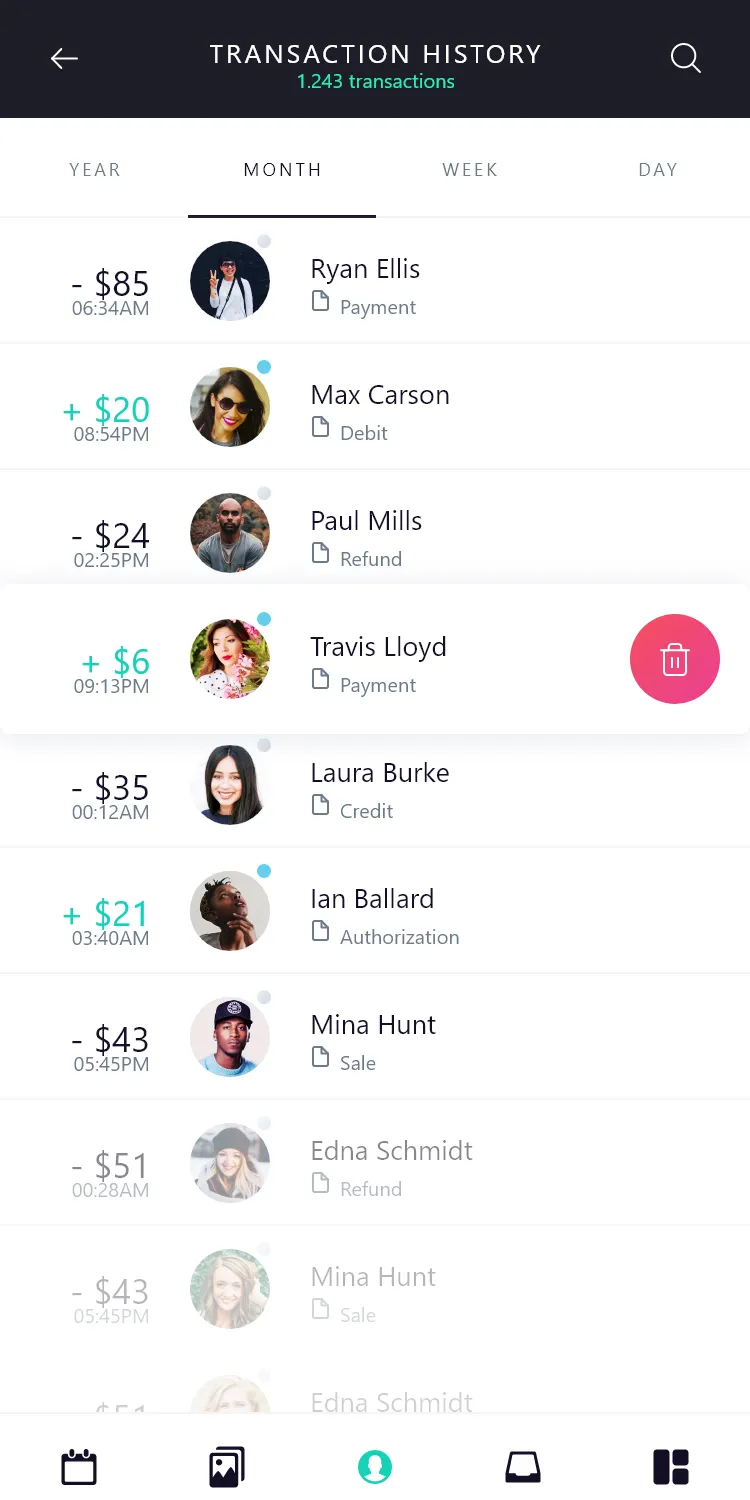
User App
-
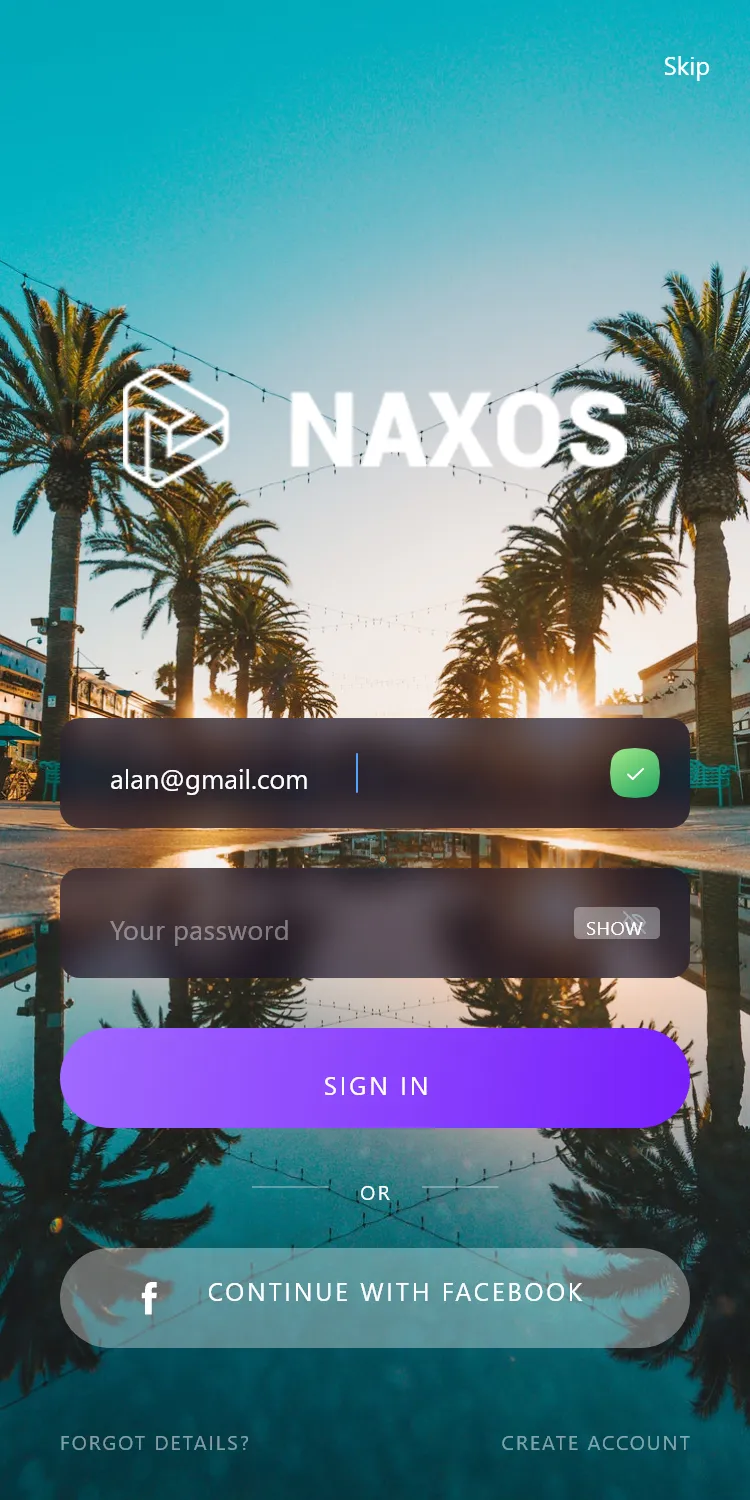
Registration
We’ve simplified onboarding with a fast, intuitive registration process. Clients can sign up on the Upwork Clone by providing essential account details in minutes.
-
Job & Scope Details
Our Upwork Clone ensures clients can describe projects effectively, helping freelancers make informed proposals. The job details feature lets clients add key requirements, required skills, deliverables, and budget milestones.
-
Upload Portfolios & Attachments
With our Upwork Clone, clients and freelancers can upload project files, briefs, and portfolio samples, streamlining evaluation and onboarding.
-
Post a Job
Once registered, clients can instantly post jobs on the platform. Our streamlined job posting feature enables quick project specifications and budget definitions.
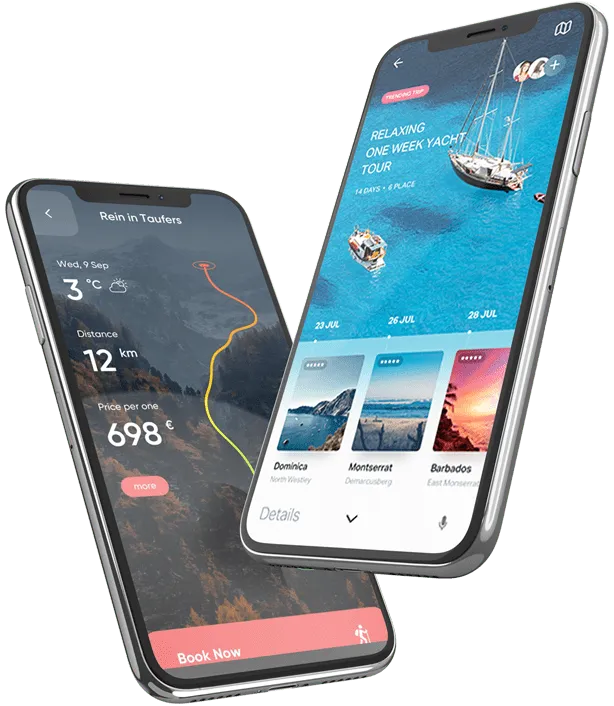
Freelancer App
-
Registration & Profile
We’ve simplified onboarding with a fast, hassle-free registration process, skill tagging, and portfolio showcasing.
-
Project Scope & Milestones
We make proposal evaluation simple by offering project details that show milestones, deadlines, and client verification status.
-
Proposal Submission
Enable freelancers to submit custom cover letters, bid pricing, and milestone breakdown directly within your Upwork Clone.
-
Skill-Based Job Search
With our built-in search filters, freelancers can search job openings by skill, category, hourly rate, or fixed budget.
Admin Panel
-
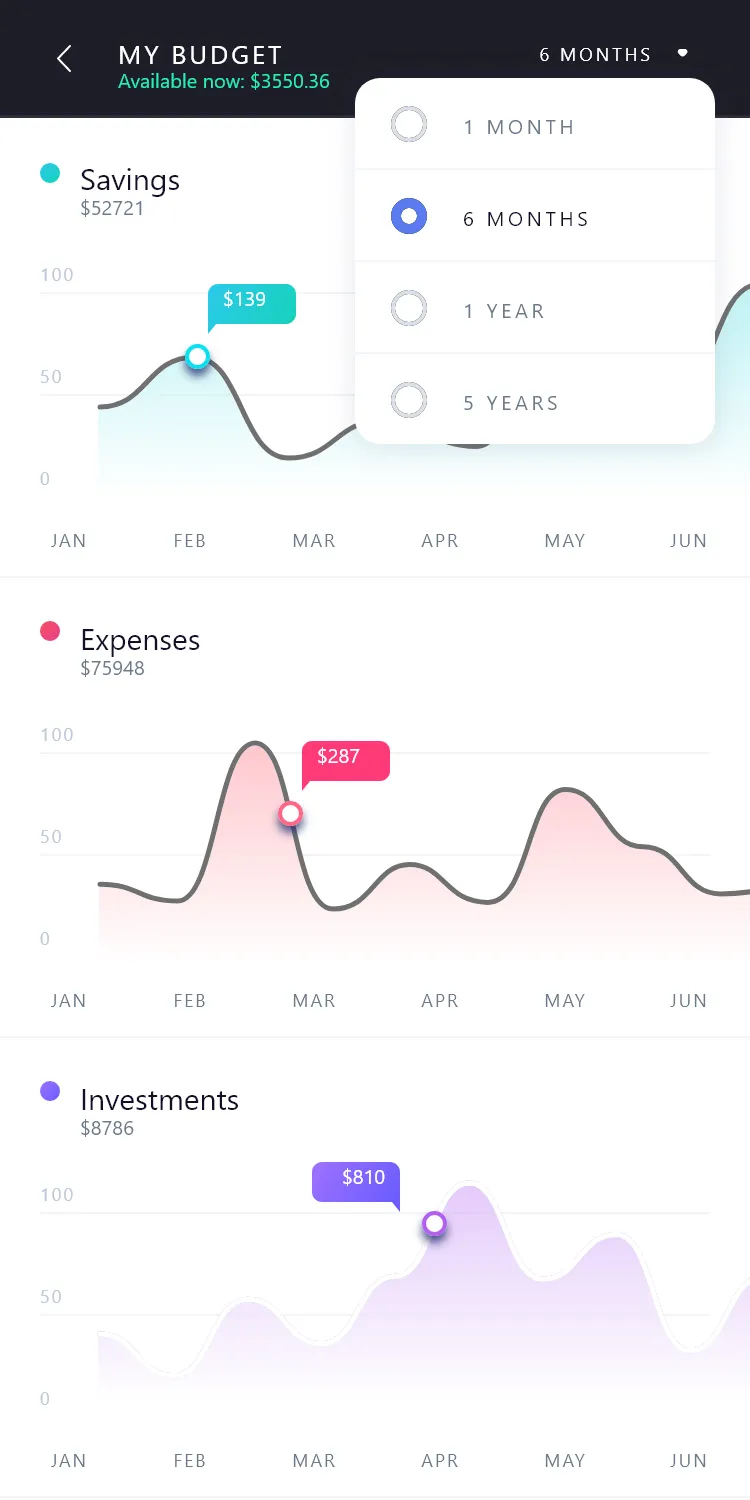
Admin Dashboard
We’ve built a powerful admin dashboard into our Upwork Clone, ensuring smooth navigation and efficient control for administrators.
-
User Management
Our Upwork Clone includes a powerful user management module that allows admins to track user details, bookings, ratings, and overall activity.
-
Project & Contract Control
With complete project oversight, admins in our Upwork Clone can moderate job posts, resolve disputes, and maintain platform trust.
-
Freelancer Verification
With the admin panel, freelancer identity checks, portfolio reviews, and account approvals can be processed quickly.
Explore More Features of Our Upwork Clone
Client Portal
Saved Freelancers
Allows clients to bookmark preferred freelancers for quick re-hiring and direct project invitations.
Proposal Alerts
Notifies clients instantly when qualified freelancers submit bids or proposal updates.
Talent Insights
Provides detailed freelancer stats including completed projects, client reviews, verified skills, and hourly rates.
Client Feedback & Reviews
Enables clients and freelancers to exchange transparent ratings upon contract completion.
Milestone Approvals
Review submitted deliverables and approve milestone fund releases with complete oversight.
Project Workspaces
Centralized project space to share files, project briefs, and task roadmaps securely.
Freelancer App
Proposal Management
Submit customized proposals, attach cover letters, and track bid status in real time.
Client Messaging Tools
Direct communication between freelancers and clients for project questions and coordination.
Earnings Analytics
Detailed reports on billable hours, project earnings, and pending disbursements.
Work & Milestone Tracking
Track milestone progress, log billable hours, and submit work for client review.
Portfolio Showcase
Showcase completed work, client testimonials, and verified skills to stand out to clients.
Job Comparison Tool
Compare project scopes, budgets, and client verification ratings side-by-side.
Admin Panel
User Analytics Dashboard
Provides insights into user behavior to enhance engagement.
Project & Dispute Mediation
Admin mediation tools to review project deliverables, manage contract revisions, and resolve disputes.
Payment Management System
Handles transactions for platform fees, project payouts, and subscription billing.
Reporting and Analytics
Generates detailed reports on performance and market trends.
System Configuration Management
Enables admins to customize and manage system settings.
Transaction Monitoring
Tracks transactions ensuring accuracy and fraud prevention.
Upwork Clone Script Available for All Platforms
Web
With our Upwork Clone app script, you get a high-quality, reliable freelance marketplace web platform loaded with advanced collaboration features.
Android
Build a next-gen freelance Android app with our Upwork Clone script – high-functioning, scalable, and fully customizable.
iOS
With our Upwork Clone script, you can launch a high-functioning, client-focused freelance iOS app built for scalability.
Feature-Rich Add-Ons You Get with Our Upwork Clone
-
Social Media Login
Offer seamless onboarding in your Upwork Clone with social login options including Facebook, Twitter, Instagram, and more.
-
Contract & Deliverable Management
Enable seamless freelance operations by letting clients and freelancers store and manage project deliverables, briefs, and signed agreements safely.
-
Talent Discovery
Advanced search integration streamlines talent discovery by allowing clients to locate qualified specialists and portfolios worldwide.
-
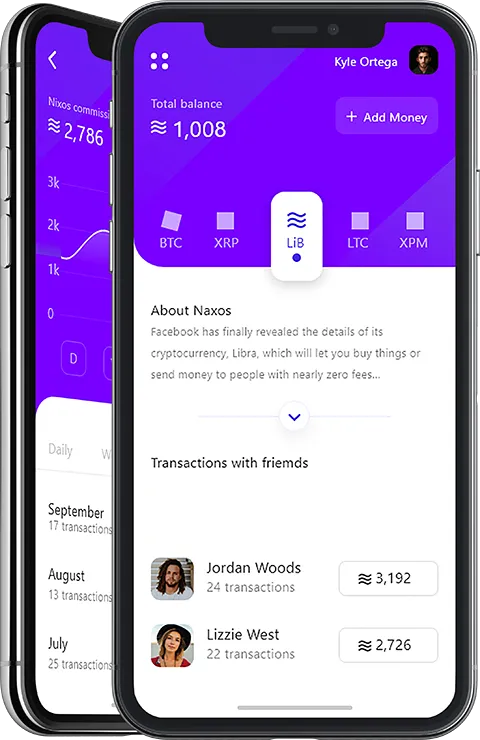
Project Earnings Calculator
Offer clear financial transparency by letting clients and freelancers estimate milestone payouts, platform service fees, and net earnings.
-
Multi-Currency
Boost your Upwork Clone by integrating secure online payments with multi-currency support for smooth international transactions.
-
Multi-Language
Reach a wider audience by adding multiple languages to your Upwork Clone and maximize global potential.
Workflow Of Our Upwork Clone App
User Registration
Allows users to create an account on the Upwork Clone app for personalized features.
Job Search
Enables freelancers to search for projects based on required skills, project category, and budget type.
Project Proposals
Freelancers submit detailed proposals, rate quotes, and milestone estimates to prospective clients.
Saved Jobs & Talents
Users can bookmark projects or top freelancer profiles on the Upwork clone for quick reference and future hiring.
Milestone Escrow
Clients fund project milestones with secure escrow-style holds, releasing payments upon deliverable review and approval.
Direct Messaging
The Upwork clone facilitates direct real-time communication between clients and freelancers for project coordination.
Our Upwork Clone App Development Workflow
Requirement Gathering
Our first step is to analyze your business needs, goals, and future plans to tailor our Upwork Clone to your specific requirements.
UI/UX Design
Step two involves designing a captivating, intuitive, and seamless UI with our expert designers to ensure maximum user satisfaction.
Development
Our Upwork Clone comes ready-to-launch, but we tailor our custom software development phase to implement the exact bidding rules, escrow milestones, and collaboration features you need.
Testing & Quality Assurance
We follow a thorough testing process to ensure the Upwork Clone is bug-free and fully meets your specifications before deployment.
Deployment & Launch
After receiving the green light from QA, our DevOps specialists manage the full server deployment and management, guaranteeing seamless performance and high availability on your servers.
Maintenance & Support
Get 2 months of free support for your Upwork Clone, including technical guidance and bug resolution to maintain peak performance.
Tech Stack Behind Our Upwork Clone App












Frequently Asked Questions
Our Upwork Clone Script is a freelance marketplace solution that helps you launch a platform like Upwork, where clients can post projects and freelancers can bid, collaborate, and get paid securely.
Yes. The script is fully customizable — from design and features to payment methods and workflow — so you can adapt it to your specific business model.
Security is a top priority. Our script is built with secure coding standards, encrypted transactions, and safe authentication systems to protect your users’ data.
Yes, you will get 100% ownership of the Upwork clone app.
Yes, you will get 30 days of free support and maintenance services from TechXons if you purchase the Upwork clone script from us.
Yes, absolutely. We respect your business ideas and treat them with complete confidentiality. Our team follows strict non-disclosure practices, and if required, we are open to signing an NDA (Non-Disclosure Agreement) to ensure your concept is fully protected.




More Smart Solutions to Power Your Business
Unlock TechXons Pre-Built Solutions for Seamless Operations in E-Commerce and Beyond.
TechXons offers a range of ready-made solutions crafted for smooth operations across multiple industries. Our intuitive products enhance efficiency and simplify your workflow.
Book a Discovery CallVersion Release Log
-
Upgrade to Laravel 12.0, support PHP 8.3
-
Update CKEditor, Google Fonts and Tabler icons
-
Add plugin FOB Comment
-
Add an option to turn off post approval.
-
Add an option to permanently delete media files, bypassing the trash.
-
Add support some new HTML tags
-
Optimize source code: Improve performance and maintainability.
-
Improve TinyMCE editor: add RTL mode
-
Improve front theme UI
-
Improve cache for better performance
-
Add option to disable cache options
-
Add more social login button styles
-
Add Backblaze cloud storage support
-
Add option to disable thumbnails generation when uploading images
-
Add option to convert image to WebP when uploading to Admin -> Media
-
Add setting to change logo height in email template